

















Image to video
Turn any still into a moving clip.
Free to start No sign-up to try
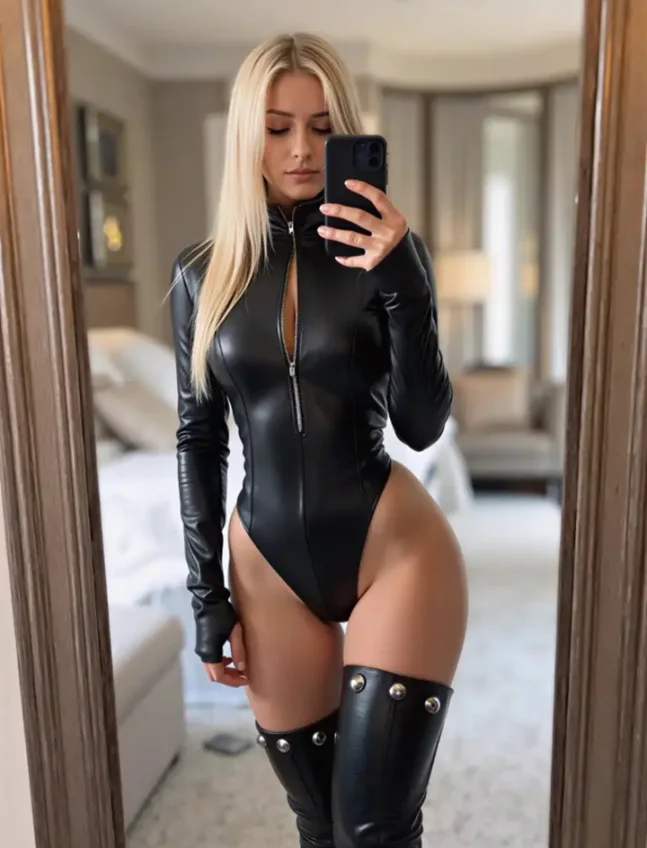
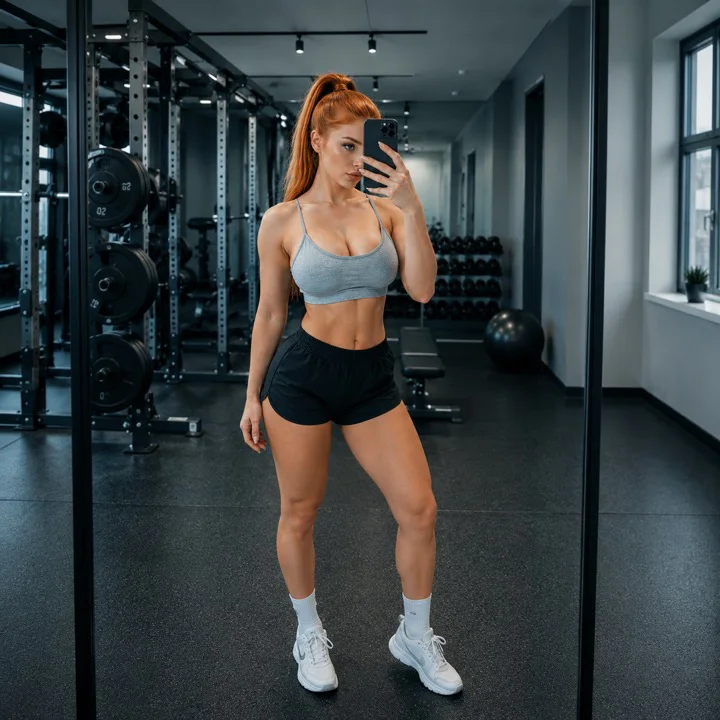
See what it makes
ClipKiwi turns any photo into video, rewrites whatever you describe inside an image, and starts you off with hundreds of styled templates. All from your phone.
Free to start No sign-up to try




Hundreds of ready-made styles. Lighting and framing already handled.
And several hundred more in the app.
View all on Google PlayDescribe the change in a sentence — outfit, background, lighting, anything. The face stays the face.

One sentence in. A video out.
Everything you would normally open a desktop for.
Turn any still into a moving clip.
Say what should change. The rest stays put.
Hundreds of styled presets. Tap and go.
Bring portraits and photos to life with natural motion.
Save clean, high-quality videos ready to share.
Turn ideas into videos without a complicated workflow.
"I tried it just for fun, and honestly didn't expect much. I uploaded one photo and it turned it into a video for free. The movement and expressions look surprisingly natural—not stiff or obviously AI-generated. My friends thought I'd actually filmed it."
 Mara K.
"I hate apps that open with a dozen different toolbars. With this one, I just upload a photo and say, 'Change the background to a beach,' and it actually does it. There's nothing to learn, and the result looks way more natural than anything I could edit myself."
 Devon R.
"I needed professional headshots for job applications, but studio shoots are expensive and take forever to schedule. I used a selfie to create a set of photos in a suit, and the lighting, background, and outfit all looked like a real studio shoot. Even the recruiter couldn't tell they were AI-generated."
 Yuki T.
Questions, privacy requests and account deletion all start with the ClipKiwi support team.
Get help with your ClipKiwi account, purchases or creations.
support@clipkiwi.comRequest permanent deletion of your ClipKiwi account and associated personal data.
Request deletionDeleting ClipKiwi or uninstalling the app does not cancel a Google Play subscription. Cancel it in Google Play first.
Read the terms